


Cursor is a full fork of VS Code with AI built into its core. Its agent, inline edits, and codebase-aware chat have made it a popular pick among developers, founders, and small teams.
But Cursor is still a code editor. You need to be comfortable in an IDE, and it doesn’t handle hosting, databases, or deployment for you. If you want to go from an idea to a live product without managing all of that yourself, it can feel like more setup than you bargained for.
I’ve tested a range of AI app and website builders, and this guide highlights my top five alternatives to Cursor AI. Whether you want to scaffold a full-stack app, generate working code, design a UI, or stay within a budget, each tool below fits different needs.
Top 5 Cursor AI Alternatives in 2026
| Providers | Rating | How Does It Compare to Cursor AI? | Free Tier | Learn More |
|---|---|---|---|---|
 | 4.8 | Chat-based builder for rapid MVPs | ✅ | Visit Lovable |
 | 5.0 | User-friendly tool with affordable pricing | ✅ | Visit Hostinger AI |
 | 5.0 | Fast builder with broad business tools | ✅ | Visit Base44 |
 | 4.7 | Depth and control over every line of code | ✅ | Visit Emergent |
 | 4.8 | Fast WordPress site builder | ✅ | Visit Bluehost |
1. Lovable.dev
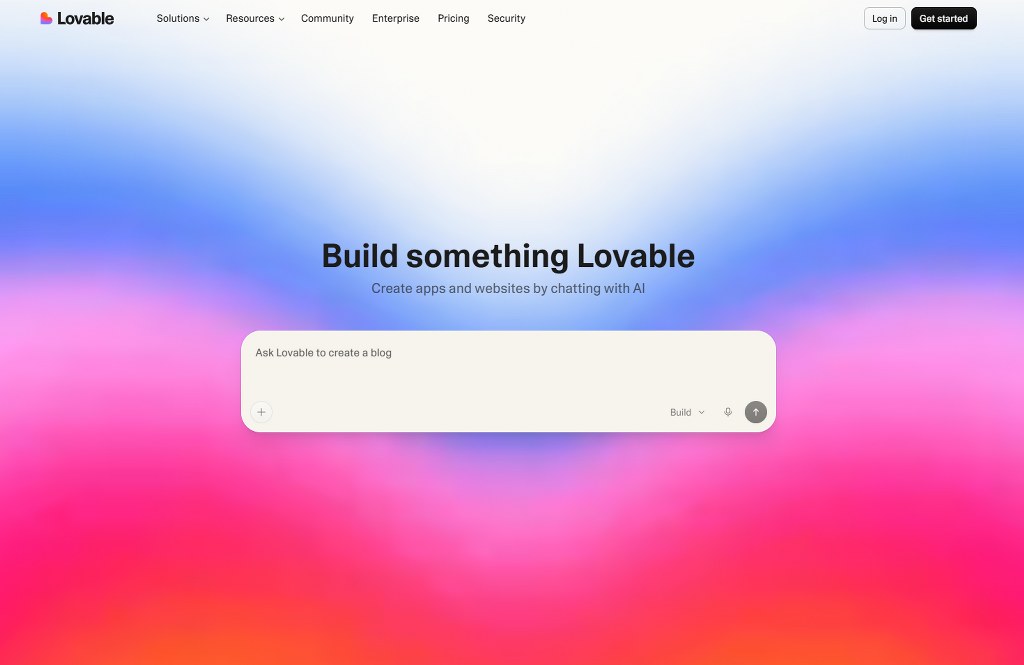
What Makes Lovable a Good Alternative to Cursor AI?
Cursor writes working code, while Lovable delivers a working product. Both tools serve different audiences, yet one takes you further than the other.
No Install, No IDE, Zero Learning Curve
Cursor is a full desktop application. To use it, you first need to download and install it on your computer. If you’re familiar with the VS Code editor, this wouldn’t make a difference, as it assumes that you already know your way around.
Lovable, on the other hand, is designed for all classes of people: developers, technical founders, and even newbies. Its vibe coding technique runs in the browser, therefore requiring no local setup. Just describe your idea and watch it come alive.
A Consistent & Polished Output
Lovable shifts the focus from how an app is written to how it looks and feels. While Cursor AI helps developers write, debug, and refactor code from an editor, Lovable starts from the interface, which you can refine visually or through prompts.
It builds on a consistent component stack, which makes it a solid fit for customer-facing apps, dashboards, and sign-up flows where first impressions matter. With a connected analytics tool, its agent can also use real user data to flag friction points, so you can fix problem screens as you build.
No Separate Backend & Publishing Setup
When it comes to deployment on Cursor AI, you have to figure it out yourself. For some, this means extra weight on research, testing, and money. However, Lovable handles this efficiently with just one click. Through its Supabase integration, you’ll get a PostgreSQL database, user authentication, file storage, and serverless functions.
Key Strengths
- Chat-based, beginner-friendly app building workflow
- Designed for classes of users including beginners and developers
- Edit elements visually using the ‘Select & Edit’ feature
- Native interaction with Supabase
- Supports Tailwind for CSS styling and controls
- Allows two-way GitHub sync and Figma import
- No vendor lock-in with full code ownership and access.
Possible Drawbacks
- Code edits require a paid subscription
- Less control and depth compared to Cursor AI
- Credits can run out quickly on a complex stack
Lovable as an Alternative to Cursor: How Does It Compare?
| Features | LOVABLE | Cursor AI |
|---|---|---|
| AI Model | Multiple LLMs (Anthropic’s Claude, OpenAI, Gemini, etc.) | Proprietary + third-party frontiers including: OpenAI, Anthropic, Google, and xAI |
| AI Approach | Browser-based chat with visual editor | Local desktop app with a code editor, terminal, and agent panel |
| Free Tier | Available; no credit card required (30 free credits/mon) | Available; no credit card required but limited chat/agent requests |
| Starting Price | $25 per month; 100 -150 monthly credits, custom domain, etc. | Plus: $8 (shared AI usage pool; only Grok Model available) |
| Tech Stack | React, TypeScript, Tailwind CSS | Custom framework or language |
| Code Access | Code edits and downloads are available on paid plans; two-way GitHub sync | Full code access and ownership |
| Backend & Hosting | Built-in with Supabase integration; deploy to lovable subdomain on the free plan | Built-in with Supabase integration; deploy to lovable subdomain on free plan |
| Core Strength | Building and deploying functional MVPs and prototypes from natural language prompts | Building and deploying functional MVPs and prototypes from natural language prompts |
| Best Use Cases | Websites, landing pages, dashboards, SaaS tools, internal tools, etc. | Full-stack mobile and web apps, backend-heavy projects, RAG apps, etc. |
Lovable vs Cursor AI: Bottom Line
Lovable is an AI app builder, while Cursor is an AI code editor. They serve different purposes but share the same end goal: a working application.
Lovable wins on accessibility. It requires no code or IDE setup. It’s a solid choice if your goal is to build a working product with backend and hosting built in, and not a code snippet.
If you want wider frameworks and control over every line of code, Cursor AI makes a better choice.

Built for Product Teams, Developers, and Non-technical Founders
2. Hostinger AI Builder (Formerly Horizons)
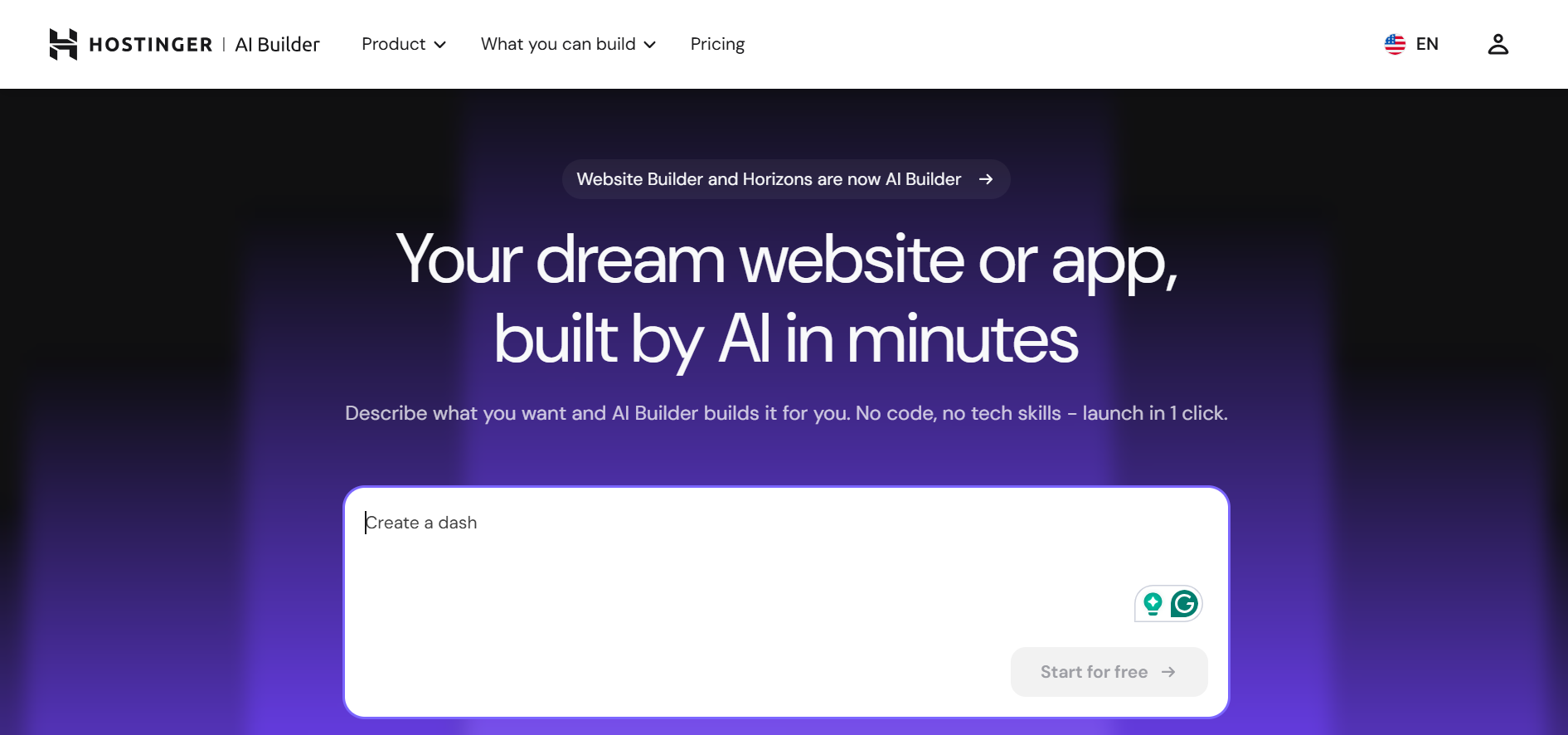
What Makes Hostinger AI Builder a Good Alternative to Cursor AI?
Compared to using Cursor AI to build a Django project, I built a book recommendation and tracker using Hostinger AI, and it was astounding. Plus, it only took a few minutes.
After testing both platforms, here’s how Hostinger AI Builder compares to Cursor AI:
All You Need in One Tool
Since Cursor helps you build and not deploy, finding a domain and hosting your project takes a different approach. Hostinger AI Builder, however, simplifies this process.
Every paid plan on Hostinger AI Builder comes with its own perks, some of which include: a free custom domain for the first year, one-click publishing, secure web hosting, email marketing with Reach, eCommerce tools, and more.
In other words, Hostinger AI Builder helps you build your online presence with every tool you could need from the get-go.
Build Through Conversations, Not Code
Cursor builds code in an IDE, and you’re supposed to read, refine, and approve the code; much like traditional coding but with a faster setup using AI. Hostinger AI Builder is different.
It builds a working application from a prompt, where you’ll see the preview and everything it does step by step. It also allows users to refine the source code directly or adjust visually using the ‘Select & Edit’ mode.
Start on a Small Budget
Hostinger AI Builder offers one of the cheapest entry points to AI app building. The paid plan starts from $2.99 to $11.99 per month, depending on the selected term. In others, paying for multiple years upfront helps you save tons of money.
While Cursor AI paid plan (Plus) starts at $8, this is a basic shared usage allowance that’s limited to the Grok model only. Additionally, since Hostinger AI is an all-in-one builder, paying for a plan on Cursor means you’ll still have to find a way to host your application. When you sum this up, you’ll find yourself spending way more than $8.
Key Strengths
- All-in-one infrastructure including hosting, custom domain, security, etc.
- Designed to help business owners build their online presence from one tool
- Accepts voice and text prompts in 80+ languages
- Free trial available; no credit card required
- Provides a 30-day money-back guarantee
- Live, interactive preview with version history
- Stripe and Supabase integration support
Possible Drawbacks
- Free credit isn’t sufficient to build a complete app
- Advanced apps may require clear and detailed prompts
- Not suitable for native mobile apps
Hostinger AI Builder as an Alternative to Cursor: How Does It Compare?
| Features | Hostinger AI | Cursor AI |
|---|---|---|
| AI Model | Not disclosed | Proprietary + third-party providers including: OpenAI, Anthropic, Google, and xAI |
| Tech Stack | React, Vite, Node.js | Custom framework or language |
| Free Trial | 7-day free trial (5 free credits/day) | Available; no credit card required but limited chat/agent requests |
| Starting Price | $2.99 – $11.99 per month depending on the selected single/multi-year term | Plus: $8 (shared AI usage pool; only Grok Model available) |
| Deployment | One-click publishing with hosting and domain on paid plans | No built-in hosting and deployment; requires external/manual config |
| Core Strength | Simplest and business-oriented app builder from chat prompts. | Desktop app built in an IDE, streamlining code generation, debugging, and refactoring. |
| Best Use Cases | MVPs, business trackers, landing pages, dashboards, payment tools. | Legacy codebase, backend-heavy projects such as multi-page websites, internal business tools, multi-file refactoring, bug debugging, etc. |
Hostinger AI Builder vs Cursor AI: Bottom Line
Hostinger AI Builder wins on simplicity and cost. It delivers a working product/application in one tool, without needing you to pay extra for hosting or a domain elsewhere. It’s a strong alternative to Cursor AI if your goal is to build something fast and without spending too much.
However, if you still want deep control over every line of your code and integration, Cursor is a better option.
3. GoDaddy Airo
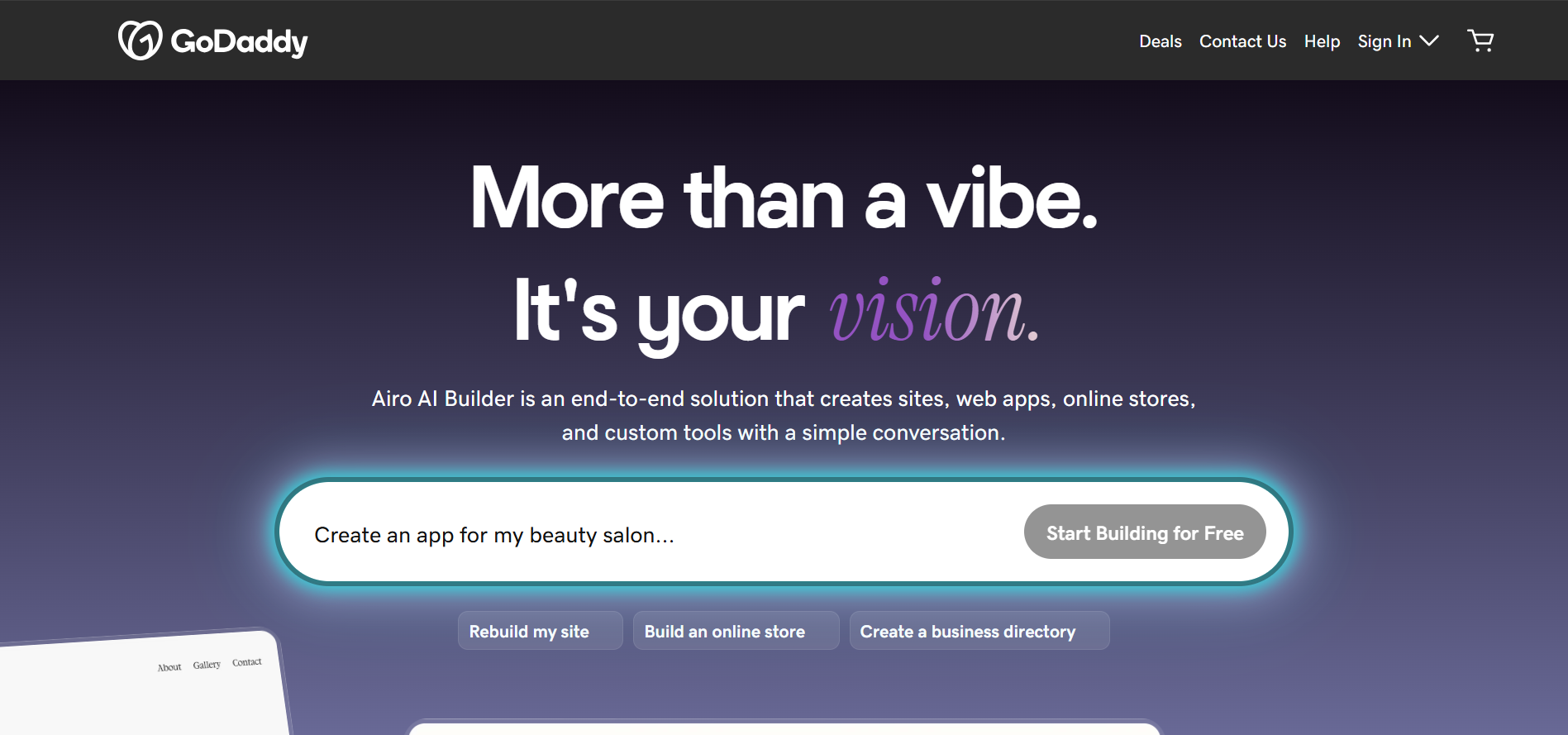
What Makes GoDaddy Airo a Good Alternative to Cursor AI?
I used GoDaddy Airo to build a coaching website that offers personalized coaching sessions, coaching sessions, and resources, and here’s why I think it’s a good alternative to Cursor AI.
Built on GoDaddy’s Solid Ecosystem
As a developer or entrepreneur, or even a freelancer, you’ve most probably come across or heard of ‘GoDaddy’, or maybe you’ve even purchased domains from it. Now imagine an AI builder built under GoDaddy’s network.
GoDaddy Airo offers some of the best built-in perks on every plan, including a free custom domain, one-click publishing, SEO wizard, email marketing suite, third-party connectors, sales tax calculator, advanced analytics, and more. In other words, with every paid plan on GoDaddy Airo, you get access to these perks based on your tier level.
Control Over Code
While designed as a natural-conversation builder, you still get access to your underlying codebase. You can review and manually edit the generated code, thereby keeping you in control. In other words, there’s no vendor lock-in.
If you’d like an AI builder that gets you started with the first part, then you review the underlying code before finally publishing, Airo gets the job done.
Made for Speed
GoDaddy is a fast web application builder. When I tested it, I had a working application within two minutes. It’s genuinely one of the fastest website builder’ve ever tested. If your goal is to validate your idea or concept within a few minutes with investors or users, then GoDaddy Airo is a great choice.
Key Strengths
- Fast app generation from idea to live site
- AI-powered product listing tool for eCommerce
- 24/7 phone and chat support for all plans
- “Write It For Me” inline AI button in the editor
- Broad eCommerce tools: online payment, appointment booking, Google My Business connector, QR code setup, etc.
- Free trial available; 50 AI credits per month
- Backed by GoDaddy’s support and reliable infrastructure
Possible Drawbacks
- Copy might be generic except where detailed and specified
GoDaddy Airo as an Alternative to Cursor: How Does It Compare?
| Features | GoDaddy Airo | Cursor AI |
|---|---|---|
| AI Model | Multi-model usage built on Amazon Web Services (AWS) Bedrock | Proprietary + third-party providers including: OpenAI, Anthropic, Google, and xAI |
| Tech Stack | HTML, CSS, and JavaScript + GoDaddy’s cloud infrastructure | Custom framework or language |
| Free Tier | Available (50 AI credits/month, no publish access) | Available; no credit card required but limited chat/agent requests |
| Starting Price | €8.49 when billed annually or €16.99 month-to-month | Plus: $8 (shared AI usage pool; only Grok Model available) |
| Backend & Integration | Automatically handles integrated features, auth, hosting, payment, and more. | No built-in backend and deployment; requires external/manual config |
| Core Strength | Builds functional websites from plain, natural prompts within minutes | Designed as a full fork of Visual Studio Code (VS Code) to develop deep, backend-heavy project and multi-file editing features |
| Best Use Cases | Business websites, portfolios, landing pages, etc. | Web applications, dashboards, cloud systems, debugging files, refactoring, etc. |
GoDaddy Airo vs Cursor AI: Bottom Line
GoDaddy produces functional and working web applications that anyone can use to validate an idea fast, without investing and committing to a long-term plan.
Its preview feature lets you see the actual content, and not just placeholders; plus the 50 AI credits on its free plan let you explore the site properly before making your final decision.

4. Emergent
What Makes GoDaddy Airo a Good Alternative to Cursor AI?
Emergent is one of the builders that doesn’t overshadow the user’s control or framework, even with its AI integration. If you’re looking for a tool that will get you there fast yet gives you the room to customise code as you’d prefer, Emergent makes a suitable choice.
Full Code Access, Just Like an Editor
If you like to be in control of your code, but want an AI that handles the heavy lifting, Emergent is the closest match on this list. It generates a working application for you and offers a browser-based VS Code environment where you can read, edit, and debug every line of code.
Cursor is built on VS Code, so Emergent’s browser-based VS Code environment feels familiar from the start. You’re not also locked into the platform; you can export at any time.
It’s Beyond Prompts
As referenced in the Emergent review, building on the platform felt like working with a development team. It operates a multi-agent system, where specialised AI agents collaborate to execute certain tasks. This breeds efficiency.
Unlike most AI app builders that just take a prompt and give you a finished product, Emergent operates way deeper than that approach. It builds and manages your frontend and backend, installs dependencies, checks logs, and even runs automated backend/frontend tests to ensure everything is in place before you go live.
Start From Scratch or Work With What You Have
You can use Emergent in different ways: by starting from scratch (the prompt method) or connecting a GitHub account and pulling an existing repository into Emergent to keep developing it. Once you’re done, you can save it back on GitHub or just deploy straight away.
Supports Mobile Application
You can build a cross-platform app with React Native and Expo using a specialised Mobile Agent on Emergent. While these mobile apps can be operated on iOS and Android devices, Emergent also streamlines the app deployment to the App Store and Play Store.
Whether you’re building web or mobile apps, Emergent manages hosting and domain in its tool, thereby making it a one-stop solution to build and deploy your product/app efficiently.
Key Strengths
- Builds mobile and web applications
- Chat-based, integrated with a browser-based VS Code environment
- Multi-agent system that plans, tests, debugs, migrates code, etc.
- Real full-stack architecture (React, FastAPI, MongoDB)
- Supports GitHub sync with full code ownership
- Automated frontend and backend testing
- Built-in backend and database setup
Possible Drawbacks
- Hosting costs 50 credits per month/project
- Credit finishes fast
- No drag-and-drop feature
Emergent as an Alternative to Cursor: How Does It Compare?
| Features | Emergent | Cursor AI |
|---|---|---|
| AI Model | Proprietary + OpenAI (GPT-5, GPT-4), Anthropic Claude (Claude Opus 5.5, Claude Sonnet 5), Google Gemini | Proprietary + third-party providers including: OpenAI, Anthropic, Google, and xAI |
| Primary Stack | React, Node.js, FastAPI (Python), and MongoDB | Custom framework or language |
| Free Tier | 10 free AI credits/month; no credit card required | Available; no credit card required but limited chat/agent requests |
| Starting Price | Standard – $20 per month or $17 when billed annually; 100 credits per month | Plus: $8 (shared AI usage pool; only Grok Model available) |
| Deployment | Hosting included on paid plans and custom domain support | No built-in hosting and deployment; requires external/manual config |
| Core Strength | Building, testing, and deploying full-stack apps with code control | Speeding up coding, debugging, and refactoring for developers |
| Best Use Cases | SaaS tools, internal business tools, websites, MVPs, role-based apps | Large codebases, existing projects, and backend-heavy work |
Emergent AI vs Cursor AI: Bottom Line
Emergent makes the best option if you’re looking for a tool that goes beyond prompt-to-publish. It provides built-in hosting and deployment to help you launch quickly while adapting a browser-based VS Code environment for users who’d still like deeper control over every line of code. However, Cursor AI is a better option if you’d like to handle the project yourself, line-by-line.
Built for Technical Founders and Serious Builders
5. Bluehost AI
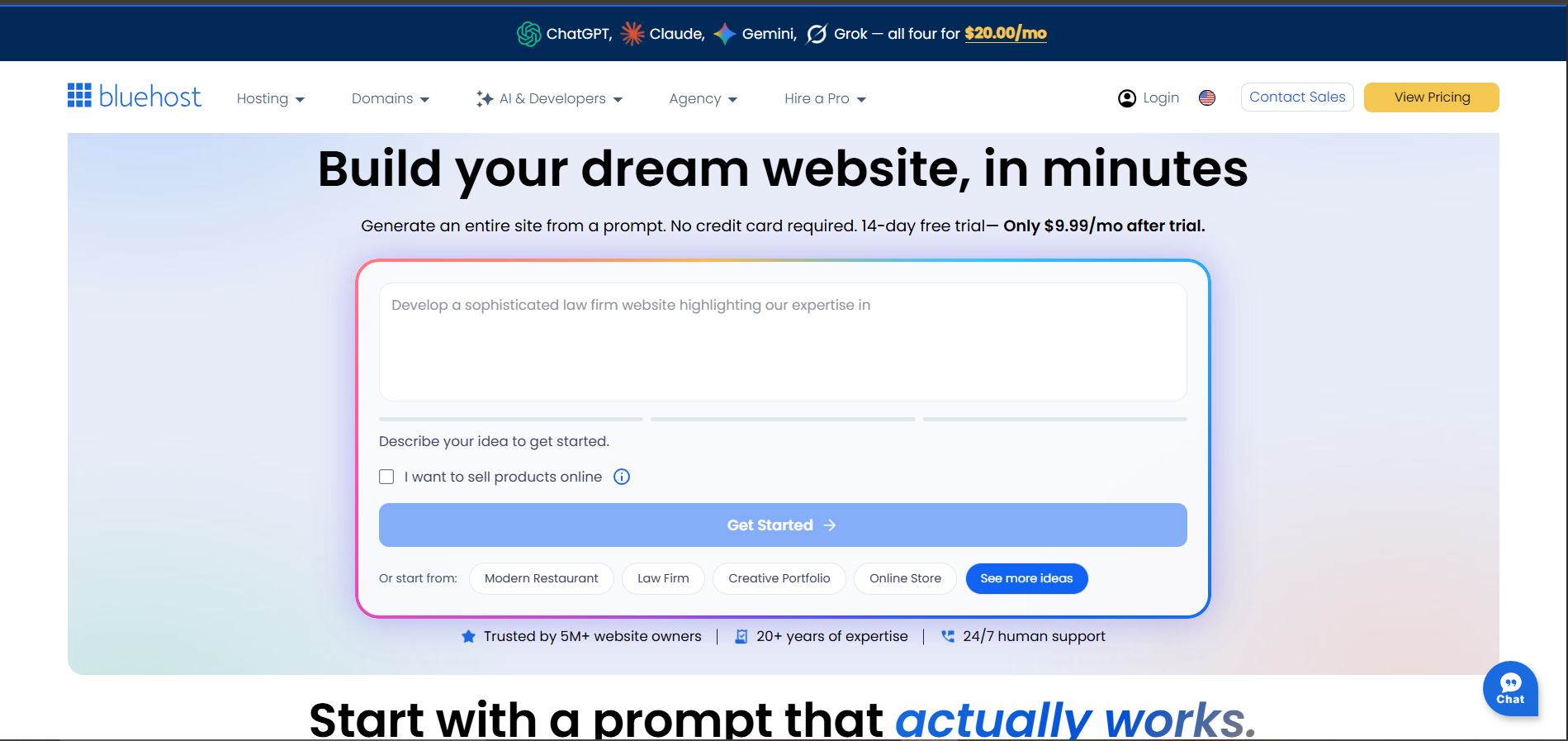
What Makes Bluehost AI a Good Alternative to Cursor AI?
Bluehost website builder is a strong WordPress site builder, and here’s how it compares to Cursor AI as an alternative:
Affordable Multi-Year Pricing
Bluehost has one of the most affordable entry pricing rates, especially when you’re opting for their 2 – 4 yearly term. With their 36-month plan, you can pay as little as $3.99/mo. That helps you save more money in the long run, especially if you’re building a project for the long term.
Designed Primarily for WordPress Sites
While some may see this as limiting their choice, in reality, it helps you build a solid infrastructure from a site that’s designed solely for one platform. Aside from its endorsement from WordPress.org, Bluehost offers a 99.99% uptime SLA, weekly website backups, and other infrastructure that solidifies your site.
Additionally, building a WordPress site through Bluehost does not in any way reduce your control over your site. You’ll get unrestricted admin access to your site regardless, and you can install plugins/themes as you desire.
Access to WonderSuite Visual Editor
WonderSuite editor is an integrated WordPress editor that lets you customise your website pages, modify appearance, create and manage blog posts, navigate business emails, manage plugins, and more.
This addition helps you configure your WordPress site efficiently, without the need to code or navigate through a swarm of technical questions.
Bluehost AI as an Alternative to Cursor: How Does It Compare?
| Features | Bluehost AI | Cursor AI |
|---|---|---|
| AI Model | Agentic AI framework – ChatGPT, Gemini, Claude, and Grok | Proprietary + third-party providers including: OpenAI, Anthropic, Google, and xAI |
| Primary Stack | WordPress; customization through WonderSuite block editor | Custom framework or language |
| Free Tier | Available (14-day Free Trial, 10 AI Edits) | Available; no credit card required but limited chat/agent requests |
| Starting Price | $15.99/month ($4.99/mon for 1-year term & $3.99/mon for 3-year term) | Plus: $8 (shared AI usage pool; only Grok Model available) |
| Deployment | Hosting, SSL, CDN, and free first-year domain included; runs directly on WordPress | No built-in hosting and deployment; requires external/manual config |
| Core Strength | Launching a business website with WordPress control and flexibility | Speedily developing code, debugging, and refactoring for technical users |
| Best Use Cases | Business websites, blogs, portfolios, and online stores. | Large codebases, existing projects, and backend-heavy work |
Bluehost AI vs Cursor AI: Bottom Line
Bluehost AI makes a great option if you want a live WordPress website and a tool that can help you get started faster. It gives you the structure, design, hosting, and domain in one package.
Cursor makes a better choice if you’re building custom features or app logic, or you’d like to control the entire code by yourself.
How to Choose The Right Cursor AI Alternatives
The best alternative to Cursor AI depends on what you want to build, how much code you’re comfortable with, and what features are necessary for your project’s success. Cursor is designed as an AI code editor for developers to build, debug, and refactor code faster and more efficiently.
However, it requires a local setup. Here is a step-by-step guide to choosing the right alternative to Cursor AI:
Step 1: Identify Your Use Cases
Start by asking yourself: ‘What do I want to build?’
If you need a custom app with real backend, database, and use login, choose:
- Lovable; it generates a full-stack application with Supabase integration to streamline backend setup.
- Emergent provides a browser-based VS Code environment that lets you modify code as you desire.
If you want to build your business online presence fast and with the best toolkit, try:
- Hostinger AI Builder offers an all-in-one business toolkit that includes eCommerce tools, email marketing, a free custom domain, and one-click publishing.
- GoDaddy Airo also bundles hosting, domain, and online payments in every paid plan.
- Bluehost AI is designed to get you a WordPress site fast and with the best tools and editor.
Step 2: Determine How Comfortable You Are With Technical Terms
Cursors expects you to understand how to code and be familiar with using a code editor. If you like that level of access but want AI to handle most of the building, choose:
- Emergent. It gives you access to a browser-based VS Code and lets you import/export to GitHub, so you can stay in charge of your code.
If you want to avoid code entirely and just make edits through prompts or visual edits, try:
- Lovable. It has a visual editor that lets you click on screen elements (text, colors, or padding) and edit them directly, much like a design tool.
- Hostinger’s AI generates the first draft and gives you access to a drag-and-drop editor to manually edit styles, spacing, elements, and more.
- GoDaddy Airo lets you refine through prompts or by using the‘Edit Mode’ to change text, images, or other elements.
- Bluehost AI Builder is not also left out. It operates a visual drag-and-drop editor built on top of WordPress that lets you edit elements, live preview, etc.
Step 3: Assess What Features Are More Important to You
Cursor has no built-in hosting or domain integration. While this might be fine to some people because you get to configure your own backend and database integration from scratch, it’s not a recommended option for others.
Apart from the cost, if you’re new to the field, you might want to also think about opting for a plan that allows you to scale your business without an additional charge.
If you want a tool that has hosting and domain bundled in its paid plan:
- Hostinger AI Builder, Bluehost AI, and GoDaddy Airo are great choices. They all include hosting and a domain in their paid plans, and each offers a free custom domain for the first year.
- Emergent and Lovable also include hosting, databse, and domain setup in their plan, however, hosting costs 50 credits per month on Emergent (worth $10 or more) and Lovable doesn’t offer free custom domain but supports the integration.
If you want to host your project elsewhere, then consider opting for:
- Emergent, Lovable, or GoDaddy Airo. Emergent lets users download code locally or save to GitHub, Lovable provides a two-way GitHub sync and direct ZIP download, while Airo lets users download the code file on paid plans.
If SEO takes priority for you and you want your website to start optimising from day one, choose:
- Bluehost AI or GoDaddy Airo. The former includes the Yoast SEO plugin on every paid plan, and the latter lists built-in SEO tools in its plan too.
Step 4: State Your Budget
Many of the tools listed in this guide have free plans that let you explore the site, even publish on its free subdomain, before making the final decision to purchase.
For context, Cursor AI has an $8 Plus plan that covers just Grok Models. Let’s see how other alternatives compare. Best to keep in mind that cost covers only one part of a tool; the more features you want, the bigger your budget should be.
| providers | STarting PRice |
|---|---|
| Lovable | $25/month |
| Hostinger AI Builder | $2.99/mon – $11.99/mon; depends on selected timeframe |
| GoDaddy Airo | $19.99/month or $9.99/month (annual) |
| Emergent | $20/month or $ 17/month (annual) |
| Bluehost AI | $3.99/month – $15.99/month; depends on selected term |
Step 5: Choose Based on Your Use Cases
To help you make the best decision, here’s a guide separated by different use cases.
| Use cases | Recommended Tool |
|---|---|
| Building custom polished apps without code | Lovable |
| Deep code control and automated backend and frontend testing | Emergent |
| Budget-friendly tool for business owners | Hostinger AI Builder |
| Simple interactive tool for businesses | Hostinger AI Builder |
| Fast, all-in-one business setup | GoDaddy Airo |
| Includes SEO and eCommerce tools in its paid plan | GoDaddy Airo |
| Bundles hosting, domain, and database in its paid plan | Hostinger AI Builder, GoDaddy Airo, & Emergent |
| Structured WordPress site builder | Bluehost AI |
Final Thoughts: Best Alternatives to Cursor AI
Cursor is an AI code editor that accelerates software development for technical know-how. However, if you’re trying to build a simple interactive app, it can be overkill.
We highlight the best alternatives to Cursor AI, namely: Lovable, Emergent, Hostinger AI Builder, GoDaddy Airo, and Bluehost AI. Each tool offers a solid advantage over the other.
If what you need is a web application for your business, then Hostinger AI Builder, GoDaddy Airo, and Bluehost AI are perfect options. Lovable fits non-technical users who want to produce a polished project, while Emergent gives you more depth and control over your code.

