


Identifying the right small business project management software can transform your startup. It helps with organizing tasks, collaborating, and meeting deadlines.
This guide points out the five best small business project management software. We will then compare their features, pricing, and unique strengths.
Showcasing your business and its services effectively starts with a professional website. Website builders make it simple to design responsive, functional sites that support your project management tools. Check out our recommended website builders to launch a website that helps your small business succeed.
Create Your Small Business Website with Top Builders
| Provider | User Rating | Recommended For | |
|---|---|---|---|
 | 4.6 | Beginners | Visit Hostinger |
 | 4.4 | Pricing | Visit IONOS |
 | 4.2 | Design | Visit Squarespace |
Why Your Small Business Needs a Project Management Tool

A quality project management tool creates a virtual platform to track projects, manage resources, and collaborate with your team. It transforms how small businesses handle their daily operations.
These tools keep projects with business goals as the focus. They break down large tasks while enabling better process control. The tool serves as your business’s command center where it all comes together.
These platforms are more budget-friendly for small businesses than enterprise solutions. They include essential features for:
- Budgeting
- Time tracking and
- Invoicing without the requirements of larger companies
Key Criteria for Choosing the Best Project Management Software

When evaluating project management systems, these should be the factors of concern:
- Ease of Use: means finding a platform that requires minimal training. Your team should easily adopt the tool without extensive learning.
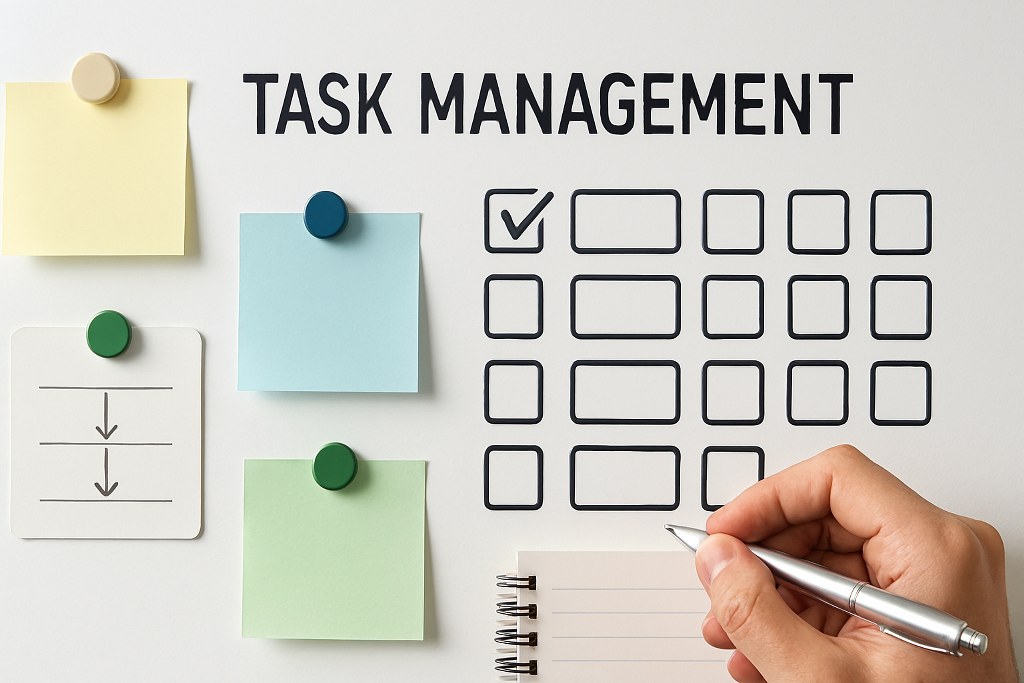
- Task Management: capabilities ensure creating and assigning tasks effortlessly. It allows you to set realistic deadlines and track progress from start to finish. Such a foundation determines how effectively you’ll organize work.
- Collaboration: When collaboration is strong within a team, it directly impacts project success. To keep everyone on the same page, you’ll need features like

File sharing
Comment threads and
Real-time updates.
- Integration: gives you a seamless connection with other business tools you already use. These tools include email, CRM, an accounting software. The connectivity eliminates data silos and streamlines workflows.
- Affordability & Scalability: offers a free or low-cost starting plan. With time, as your business grows, you can scale up with advanced features. Thus, you gain flexibility without breaking your budget.
The 5 Best Project Management Tools for Small Businesses
1. ClickUp: Overall Best Project Management Software

ClickUp is an all-in-one solution that supports all project management methodologies. Many see it as the best option for most small to medium businesses, considering its
- Powerful features
- Ease of use and
- Exceptional value

Key Features of This All-in-One Tool
- Versatile Views: You’ll have access to 15+ project perspectives. including Gantt charts, kanban board layouts, and Timeline views. And almost all these options are available on the free plan.
- Goal Tracking: You can set clear targets and check performance using ClickUp Goals. The platform maintains a weekly employee scorecard, maintaining accountability across your team.
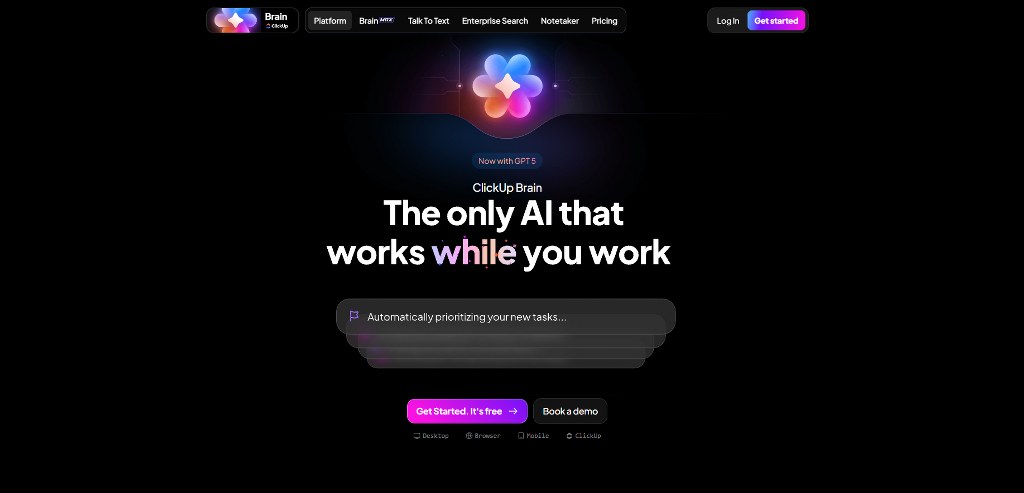
- AI Capabilities: A conversational AI assistant called ClickUp Brain can draft updates or identify priorities. Although not free, it’s available as a paid add-on for enhanced functionality.
- Robust Collaboration: It contains tools that eliminate communication gaps between team members. In it, you’ll find:

Real-time documents through ClickUp Docs
Interactive Whiteboards for mind mapping and
An integrated instant messenger.
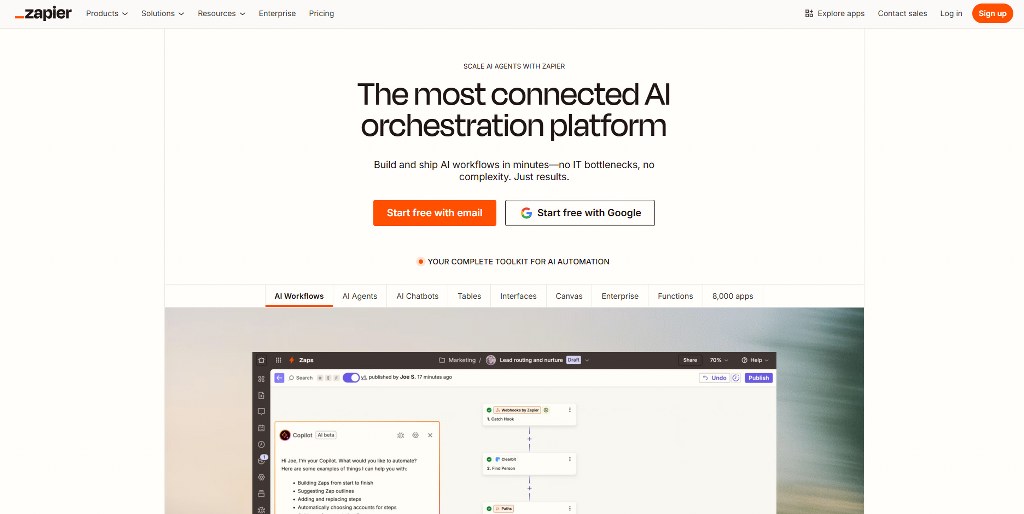
- Integrations: it connects with over 1,000 tools, including Slack, HubSpot, and Salesforce. The platform works with Zapier for extensive automation possibilities.

Pros
- A free plan with unlimited users and unlimited projects
- Powerful collaboration and comprehensive task management tools
- Exceptionally worth the money on all paid plans
Cons
- Its high customizability demands more upfront setup
- Reports claim an occasional performance lag and system delays
- Project templates are, at times, inconsistent or buggy
ClickUp Pricing

The following table highlights ClickUp’s plans, prices, and key features:
| Plan | Price (Billed Annually) | Key Features
|
| Free Forever | $0 | Unlimited tasks & members, multiple views, limited AI use. |
| Unlimited | $7/user/month | Unlimited storage, integrations, dashboards, and Gantt charts. |
| Business | $12/user/month | Advanced automations, time tracking, and project reports. |
| ClickUp AI | $5/member/month | Add-on for all paid plans. |

Namecheap
2. Asana: Most Flexible Project Management Tool

Asana is an intuitive aesthetic tool that supports multiple project management styles. It gives teams full control over how they organize their work.
What Makes Asana a Flexible Management Tool?
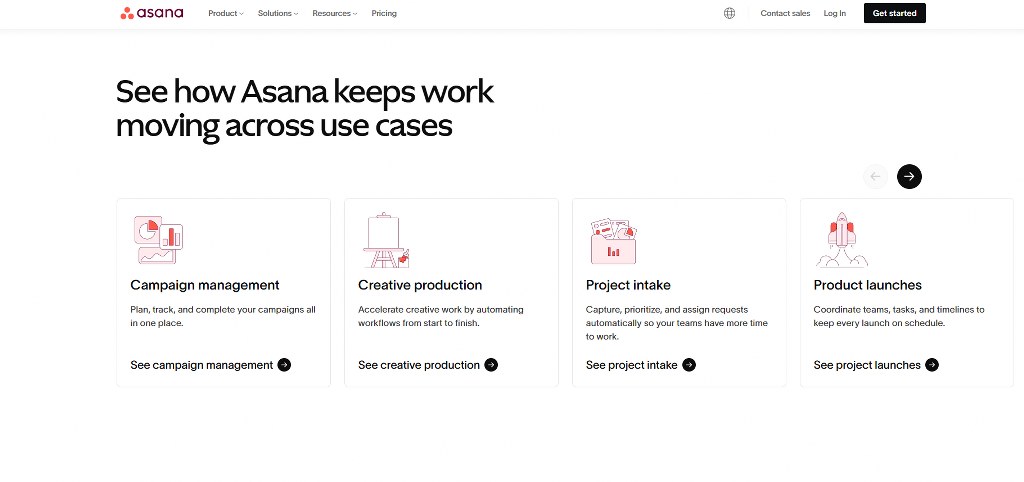
- Intuitive Interface: It’s a clean, well-designed layout. and it has a simple hierarchy for projects, tasks, and subtasks. First-time users can navigate through it naturally.
- Multiple Views: You can visualize workflow better by switching between List, Board, Timeline, Calendar, and Gantt charts. This flexibility brings various working preferences into your team.
- Powerful AI: It responds to prompts to automatically find project blockers or update tasks. Forbes Advisor rated it as one of the most useful AI project management tools.
- Collaboration: Unlimited external guests to join projects, just perfect for working with clients. The workflow builder encourages coordination across all stakeholders.

Pros
- One of the best free plans that 10 users can simultaneously use
- Extremely easy to adopt for new teams
- It has powerful AI features and strong collaborative tools for teams
Cons
- Expensive to upgrade compared to other competitors
- Only allows one assignee per job or task
- Many project views are not available on the free plan
Asana Pricing

Here is a table showing Asana’s plans, prices, and key features:
| Plan | Price (Billed Annually) | Key Features
|
| Basic (Free) | $0 | Up to 10 users, unlimited projects, three project views. |
| Starter | $10.99/user/month | Timeline & Gantt charts, custom fields, and Asana AI. |
| Advanced | $24.99/user/month | Advanced reporting, workload management, and goals. |
3. Monday.com: The Most User-Friendly Management Software

Monday.com stands out with its bright, beautiful user interface. It’s one of the easiest project management tools, especially for small teams new to this type of software.
Creating an effective online presence is becoming a necessity for modern businesses. Always remember the key considerations before building your website.
Core Features for Ease of Use

- Templates: There are over 200 crafted and customizable marketing options, CRM, HR, and more. With these templates, you can get started without building everything from scratch.
- Automation: It programs the software to handle repetitive tasks and process project approvals. The Standard plan includes 250 monthly automation actions.
- Dashboards: Creates customizable displays showing key performance indicators. It also provides high-level views of project progress, helping managers make informed decisions.
- Collaboration: Receives 93% positive feedback for its features. It includes robust collaborative docs that keep teams connected and informed.

Pros
- It has a beautiful, intuitive, and highly user-friendly interface design
- The Standard and Pro plans offer your money’s worth
- Strong collaboration and communication features throughout
Cons
- The free plan is limited to a maximum of only two users
- Initial setup can be time-consuming for complex workflows
- You can only find AI features on top-tier plans
Monday.com Pricing

Below is a table showing its plans, prices, and key features:
| Plan | Price (Billed Annually, 3-User Minimum) | Key Features
|
| Free | $0 | Two users max and limited tools. |
| Basic | $8/user/month | Unlimited boards and viewers. |
| Standard | $10/user/month | Timeline & Gantt charts, automations, and guest access. |
| Pro | $16/user/month | Private boards, time tracking, and more automations. |
4. Wrike: Best to Manage Resources in a Spreadsheet View

Wrike is an efficient and highly secure project management system. It’s the perfect tool for teams that prefer working with spreadsheets. It’s characterized by:
- Top-notch Table view
- A free plan and
- Strong security.
Key Features to Increase Productivity
- Table View: Offers a top-notch spreadsheet interface like Excel or Google Sheets. It makes organizing data-heavy projects and tracking detailed information easy.
- Email Integration: Creates, assigns, and comments on tasks directly from your email inbox. Streamline communication workflow by sending messages to a dedicated Wrike address.
- Dynamic Request Forms: These custom forms auto-create and assign tasks to team members. And it happens upon its submission. Thus, eliminates manual data entry and speeds up project initiation.
- Security: Protects your business data using TLS 1.2 encryption. It also offers robust protection across all plans. Wrike takes data security seriously for all companies, large or small.

Pros
- A free plan supporting unlimited users and active projects
- Excellent security features for sensitive business data
- Top-notch Table view and responsive Gantt charts suitable for scheduling
Cons
- Many claim that the user interface design lacks vitality
- There is a steep learning curve for new team members
- The team plan lacks time tracking and resource planning
Wrike Pricing

Wrike’s plans, prices, and key features are in the table below:
| Plan | Price (Billed Annually) | Key Features
|
| Free | $0 | Unlimited users, task management, and 2GB unlimited storage. |
| Team | $9.80/user/month | Gantt charts, shareable dashboards, and automations. |
| Business | $24.80/user/month | Custom fields, request forms, and time tracking. |

5. Trello: The King of Kanban-Style Project Management

Trello is the “kanban board king,” considering its simple, visual, and intuitive drag-and-drop interface. It’s the ideal management tool for small teams looking to organize tasks on flexible boards.
Many businesses benefit from understanding effective digital marketing strategies. Such knowledge helps them to support project management and achieve success.
How Trello Helps You Build Workflows Visually
- Kanban boards: Offer endless flexible layouts for moving cards representing tasks across columns. Cards are customizable with checklists, due dates, and attachments for complete task management.
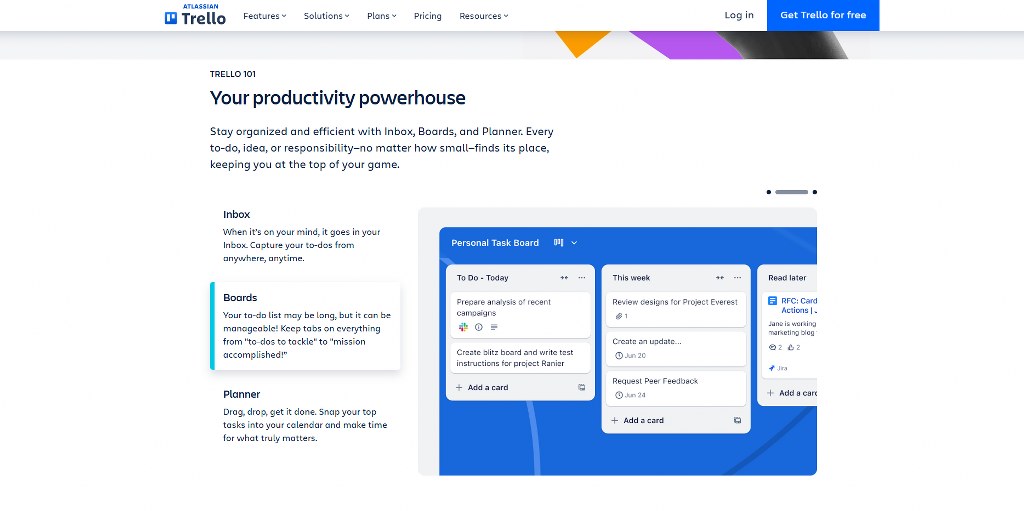
- Automation through Butler: A no-code automation assistant to handle repetitive processes. The free plan includes 250 command runs per month, perfect for small businesses.
- Integrations called Power-Ups: They enhance boards by connecting with apps like Slack, Google Drive, and Jira. The free version includes unlimited Power-Ups, providing extensive integration options.


- Templates: There are hundreds of pre-built templates for marketing, design, sales, and team management. These templates help you get started immediately with proven workflows.

Pros
- The best and most intuitive kanban board experience you’ll find in the market
- Extremely low learning curve for teams of whatever technical level
- One of the best free plans available with generous features
Cons
- Unreliable for complex projects with a lot of dependencies and schedules
- More suitable for smaller jobs or tasks and teams not exceeding five people
- Lacks in-depth project reports and analytics features
Trello Pricing

The table below indicates Trello’s plans, prices, and key features:
| Plan | Price (Billed Annually) | Key Features
|
| Free | $0 | Up to 10 boards, unlimited cards, unlimited Power-Ups. |
| Standard | $5/user/month | Unlimited boards, custom fields, and advanced checklists. |
| Premium | $10/user/month | Calendar, Timeline, Table, and Dashboard views. |
Additional Considerations for Your Selection

As you choose, consider your team size, project complexity, and integration needs. Effective SEO strategies help your business grow alongside your project management skills.
Pay attention to your response time when evaluating customer support quality. Test each platform’s support channels during your trial period. It ensures they meet your business requirements before they become a future problem.
User permissions control access to sensitive project data and maintain organizational security. Pay attention to how each tool handles access control for different teams and clients.
For businesses exploring online sales, understanding e-commerce basics is crucial. It can complement your project management processes effectively in unimaginable ways.
Many companies find success by starting with a free version and upgrading as the need arises. With this approach, many can test functionality without worrying about any financial commitment.
The construction industry often requires specialized features. For example, they need features for tracking progress and managing materials on sites. Therefore, consider industry-specific needs when evaluating general-purpose tools.
No doubt, Artificial Intelligence (AI) continues to transform how we work. So, learn more about AI fundamentals to understand these emerging capabilities better.

Integrating Your Projects with a Professional Website
No doubt, the best project management tools organize your internal workflows. Yet, a professional website acts as your digital storefront for client interactions. It’s where you establish your brand’s credibility.

For small businesses, creating this hub is easier than ever. You need a reliable website builder offering a beginner-friendly, simple drag-and-drop experience. Reputable platforms like Hostinger and IONOS provide stunning templates and tools for this.

No matter which platform you choose, selecting the best web hosting service is crucial. It will ensure your site is fast, secure, and reliable for your clients and team.
Learning how to create an effective website helps you establish a business’s online presence. Additionally, it supports your project management efforts.
Conclusion
For the best project management software, think of specific business needs, team size, and budget. ClickUp offers the best overall value, Asana – flexibility, monday.com – user-friendliness, Wrike – spreadsheet-style management, and Trello – kanban workflows.
You can start with free versions to test functionality before getting to paid plans.
Running a small business online often comes with a few challenges. Consider some small business mistakes that you should avoid from our guides.

Next Steps: What Now?
Choosing a small business project management software demands a degree of level-headedness. Here’s what you should remember:
- A quality project management tool helps with managing resources and team collaboration.
- Their features allow for budgeting, time tracking, and invoicing without much requirements.
- Ease of use, task management, collaboration, integration, and affordability are keys when choosing.
- The top management tools for small businesses are ClickUp, Asana, Monday.com, Wrike, and Trello.
- And ensure you integrate projects into your professional website.
Further Reading & Useful Resources
Here are a few more guides that will proof very helpful to you and your small business:
- Disruptive Project Tool: Consider a project management tool that focuses on complete transparency.
- Small Business Digital Marketing: See tips on leveraging social media platforms for business.
- E-Commerce Management: Learn how to monitor your company’s entire online presence.
- Website Builder Portfolio: Learn to create a digital representation of your professional profile.
- SEO for Small Businesses: Get tips on increasing your online visibility.

